To automate business processes, follow six steps: map the process as it runs today, measure what it costs, prioritise the best candidate, build the automation, test it with real cases and monitor it after launch. Most failed automation projects skip the first two steps and automate a process nobody fully understood.
Automation is not about replacing people. It is about removing the copy-paste, chasing and re-typing that eat hours every week, so your team can spend that time on work that needs judgement. A good first automation pays for itself in weeks, not years.
This guide walks through the 6-step method, shows how to pick the right first process, explains the main types of automation tools and lists the mistakes that stall most projects.
What does it mean to automate a business process?
Automating a business process means letting software carry out repeatable steps that a person used to do by hand, such as moving data between tools, sending follow-ups or creating invoices. A person still owns the process and handles the exceptions.
There are two broad kinds of automation, and most real workflows use both:
| Factor | Rules-based automation | AI automation |
|---|---|---|
| How it works | Fixed "if this, then that" rules | A model reads, classifies or writes content |
| Best for | Structured data and clear steps | Emails, documents, free text and judgement calls |
| Example | When a form is submitted, create a CRM contact | Read a support email and tag it by topic and urgency |
| Reliability | Very predictable | Needs testing and a human fallback |
| Typical tools | Zapier, Make, Power Automate | AI agents and large language model APIs |
A simple rule of thumb: use rules wherever the steps are clear, and add AI only where a person currently has to read and decide.
How to automate business processes in 6 steps
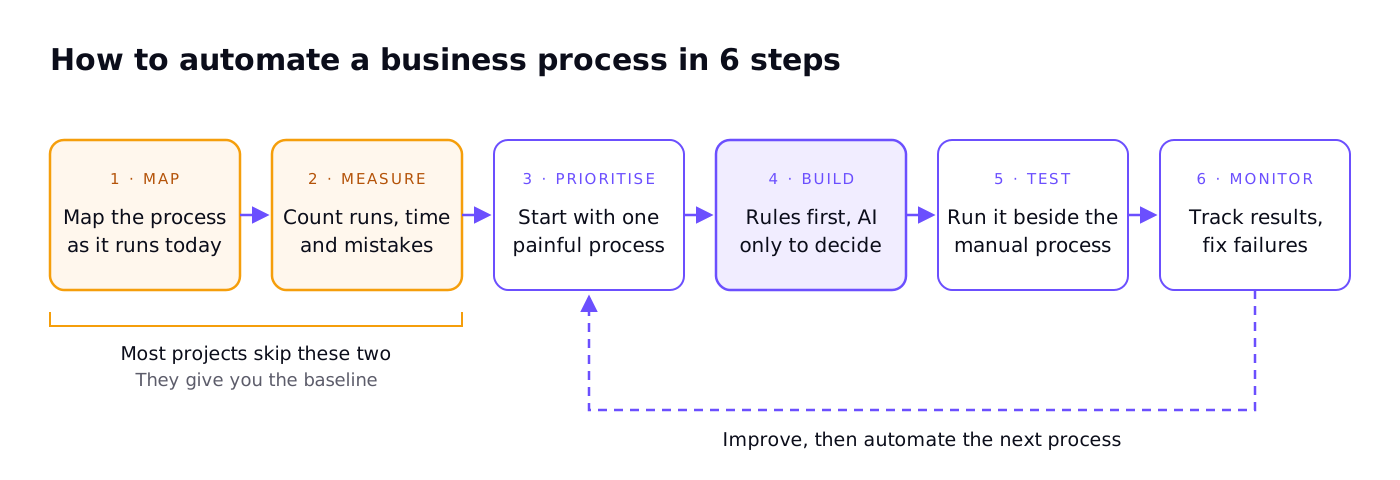
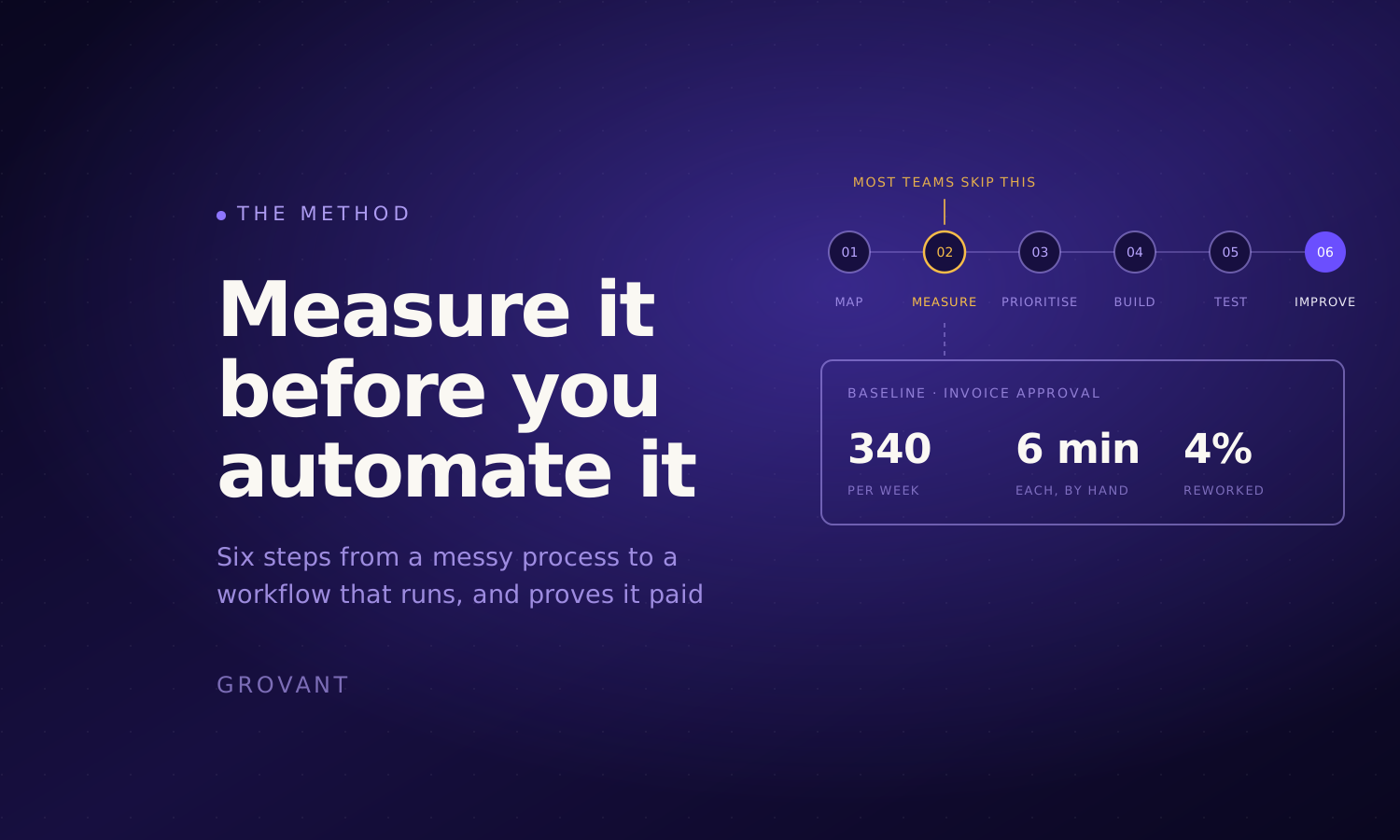
- Map the process as it runs today. Write down every step, who does it, which tools are involved and where information is copied from one place to another. Talk to the people who actually do the work: the real process is rarely the one in the handbook.
- Measure what it costs. Count how often the process runs each week, how long each run takes and how often mistakes happen. This gives you a baseline, so you can prove later that automation worked.
- Prioritise one process to start. Pick a process that runs often, follows clear steps and causes visible pain when it goes wrong. Start small: one process, done well, builds trust for the next.
- Build the automation. Use rules for the clear steps and AI only where a person currently reads and decides. Connect the tools you already use instead of adding new ones where possible, and design a fallback for cases the automation cannot handle.
- Test it with real cases. Run the automation side by side with the manual process for one to two weeks. Check every output, especially edge cases such as missing data, duplicates and unusual requests.
- Monitor and improve. After launch, track how many runs succeed, how many go to a person and how much time is saved. Fix the top failure reasons first, then move on to the next process.
The loop matters. Each automation teaches you something about your data and your tools, which makes the next one faster to build.
Which business process should you automate first?
The best first process is frequent, rule-based and painful, but not mission-critical. Score each candidate from 1 to 3 on five questions and start with the highest total.
| Question | Score 3 | Score 2 | Score 1 |
|---|---|---|---|
| How often does it run? | Daily or many times a day | Weekly | Monthly or less |
| How clear are the steps? | Same steps every time | A few variations | Different every time |
| How much time does it take? | Hours every week | An hour or two a week | Minutes |
| How costly are mistakes today? | Lost revenue or unhappy customers | Rework | Barely noticed |
| How risky is it to automate? | Easy to check and undo | Needs review | Legal, financial or safety impact |
Good first candidates for most businesses:
- Lead capture: form submissions to CRM, with an instant reply and owner assignment.
- Invoicing and payment reminders.
- Employee or client onboarding checklists.
- Weekly reporting pulled from several tools into one sheet.
- Support ticket sorting and routing.
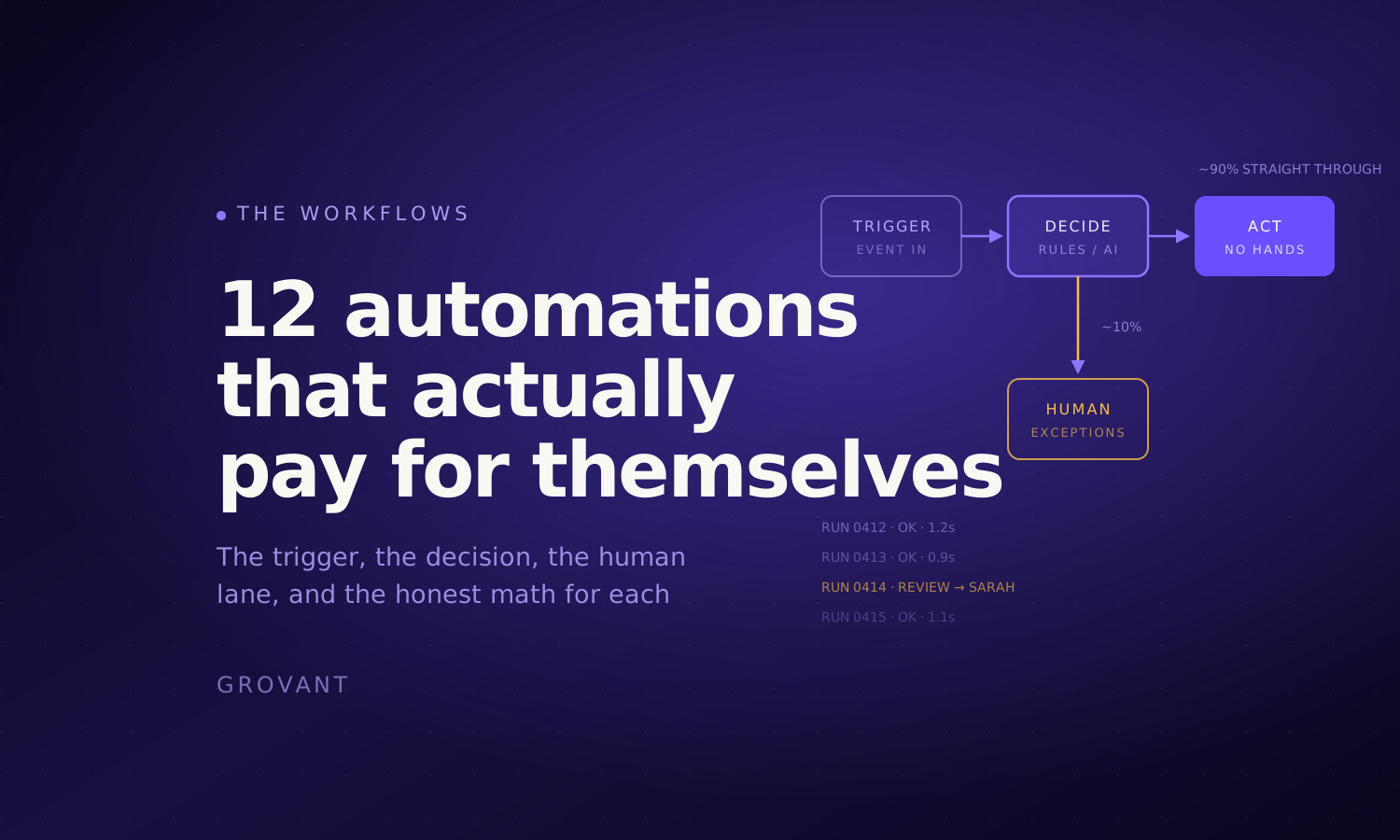
For more ideas, see our list of 12 business process automation examples with the payoff for each.
Business process automation tools: which type do you need?
You do not need one platform for everything. Most companies combine two or three types of tools:
| Tool type | What it does | Examples | Best for |
|---|---|---|---|
| No-code workflow tools | Connect apps with triggers and actions | Zapier, Make, Microsoft Power Automate | Moving data between SaaS tools, simple workflows |
| Built-in automation | Rules inside tools you already use | CRM workflows, accounting software rules, helpdesk triggers | Steps that live inside one tool |
| AI agents and LLM APIs | Read, classify and write text | Custom agents built on large language models | Emails, documents, support and research tasks |
| Robotic process automation (RPA) | Clicks through screens like a person | UiPath, Power Automate Desktop | Old systems with no API |
| Custom code | Scripts and integrations built for you | Python or Node.js services | High volume, complex logic or strict security needs |
Do you need developers? Not for simple workflows: no-code tools let operations teams build them. You do need engineering help when the process touches sensitive data, runs at high volume, needs AI that must be accurate, or connects systems without ready-made integrations. If you plan to outsource software development for this, run through a vendor vetting checklist before you sign.
Common mistakes when automating business processes
- Automating a broken process. If the manual process is messy, automation makes the mess faster. Fix the steps first, then automate them.
- Starting too big. A company-wide transformation stalls. One process that saves five hours a week builds trust and budget for the next.
- No baseline. Without measuring time and errors before, you cannot show the result after.
- No owner. Every automation needs a named person who gets the alerts and fixes it when a tool changes.
- No fallback. When the automation cannot handle a case, it should hand it to a person, not fail silently.
- Using AI where rules would do. AI adds cost and uncertainty. Use it only where text needs reading or judgement.
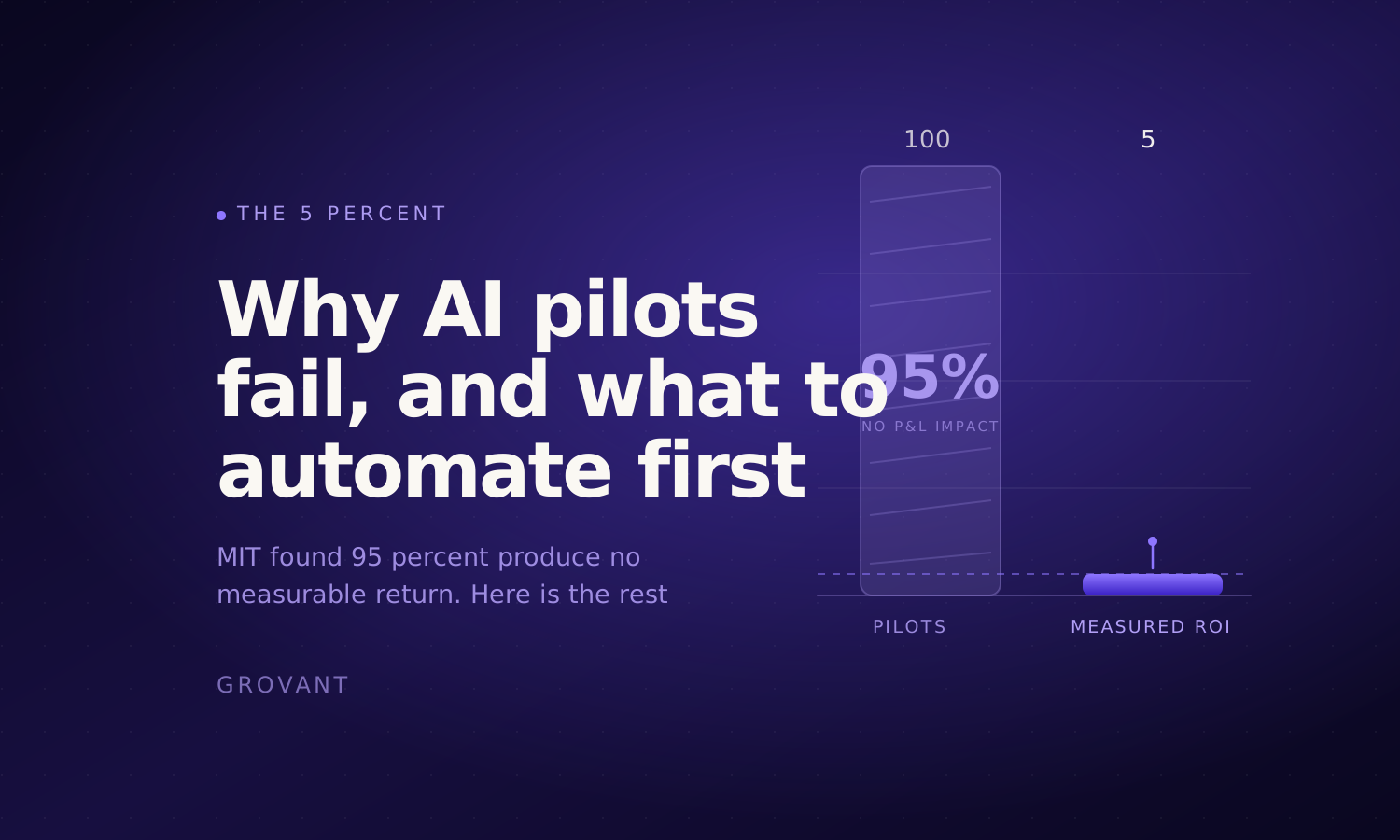
Many AI projects fail for exactly these reasons. Our article on why AI pilots fail looks at this in more depth.
Automate your first process with a senior engineer
Grovant's AI and workflow automation practice starts with a free workflow map: we document the process as it runs today and show where automation will save the most time. A senior AI engineer then builds it in your own systems, tests it with evals before live traffic and adds a human fallback for low-confidence cases. If the process also needs a custom integration or internal tool, our development team can build that part too. Every engagement is priced by custom quote, month to month.