ChatGPT Business Hub is OpenAI's new dashboard for businesses. You claim your business in ChatGPT, verify that you represent it, then edit your business details and see three numbers from the last 28 days: mentions, website clicks and discovery topics. To claim yours, open Business Hub from the ChatGPT sidebar, search for your business, verify by phone, business email, DNS record or Shopify, then pass an ID check with Persona.
OpenAI launched it in beta on November 10, 2026, pitched as a way to reach the 1.2 billion people who use ChatGPT each week. And yes, it's a big deal. For the first time, ChatGPT itself is telling businesses how often it sends people their way. As Barry Schwartz pointed out on Search Engine Land, click data is something Google and Microsoft still don't offer in their AI reporting.
But the LinkedIn posts calling it "Search Console for ChatGPT" skip the part that matters most. We read OpenAI's help docs line by line, and one definition changes how you should read the whole dashboard:
Why does that matter? Because those are two very different things, and we have the data to show it. Below we'll walk through how to claim your business, what every number actually measures, what Business Hub would and wouldn't show for our own site, and what to do in your first week. Let's dive in!
What Business Hub actually gives you
Here's everything in the launch, with OpenAI's own definitions next to each feature.
| Feature | What it does | The fine print |
|---|---|---|
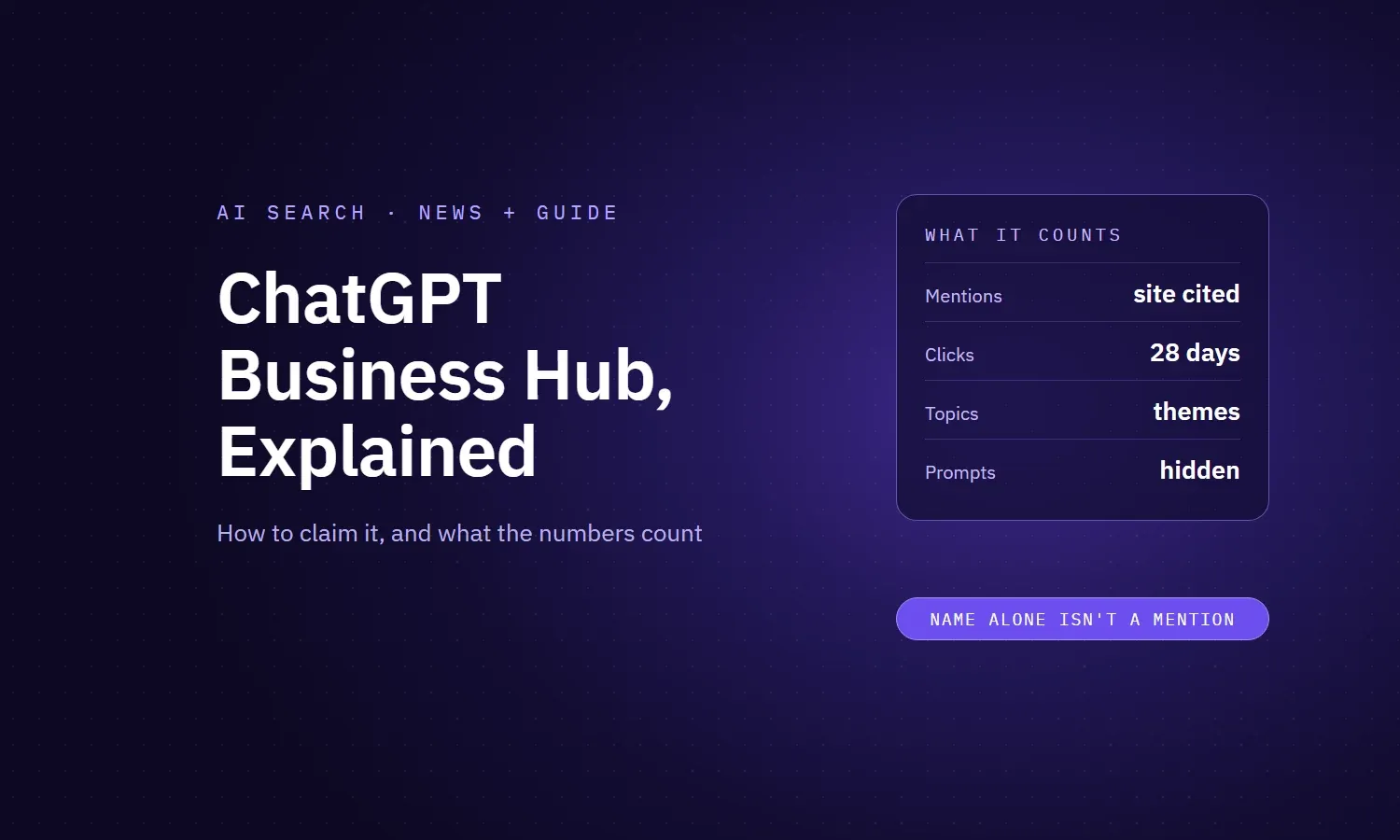
| Mentions | How often ChatGPT referenced your business in the last 28 days | Online businesses: counts only when ChatGPT references your website. Local businesses: counts when ChatGPT shows a result for your location |
| Website clicks | How often people clicked links to your site in ChatGPT | The in-product tooltip says clicks don't confirm website visits or conversions. No per-page or per-prompt breakdown |
| Discovery topics | Common themes in ChatGPT answers that mentioned or cited you | Themes, not prompts. OpenAI says they don't directly measure customer intent |
| Business details | Edit your website, description, category, logo, delivery and return policies | OpenAI reviews every change, and ChatGPT may still use other sources |
| Product feeds | Retailers can share products, prices and availability (Shopify or CSV) | Connecting a feed doesn't guarantee ChatGPT recommends your products |
| Business Agent | A chat agent that answers customer questions with your information | US ecommerce and online service businesses only. It can't take payments, bookings or check orders |
| Blue check | Shows your profile is claimed and verified | Appears only after your Persona ID verification is approved, not when you claim |
It's free, for now. OpenAI says you don't need an Ads account or a ChatGPT Enterprise agreement to claim an eligible business, and claiming, ads and agents are three separate things. OpenAI's head of monetization told Digiday he didn't rule out a paid model later, and that share of voice isn't part of this beta.
How to claim your business in ChatGPT, step by step
- Sign in to ChatGPT with the account you want to manage the business from, and open Business Hub from the sidebar. (You can also start from OpenAI's Businesses in ChatGPT page.)
- Search for your business by name and select the listing that matches. If you run an eligible online business and can't find yourself, you may see an option to add it. Local stores and restaurants can currently only claim an existing US listing.
- Pick a verification method. The options are a code to your business phone, a code to your business email, a TXT record on your website's DNS, or connecting your Shopify store.
- Wait for claim approval. OpenAI reviews the claim and emails you a decision or asks for more information.
- Complete identity verification with Persona. You may need a government ID, business registration details and proof you're authorized. This step unlocks editing, insights and agents, and it's what gets you the blue check.
- Update your business details. Website, description, category, logo, policies. OpenAI reviews and publishes changes, so they won't show up instantly.
- Add your team or agency. The admin who claimed the business can add teammates and grant an agency access, each with their own ChatGPT account.
One warning before you start. OpenAI's help docs say support can't delete, unpublish or hide a published profile. If Persona approval auto-publishes a new profile, it's live. So get your facts straight first, which brings us to the part most people will get wrong.
The fine print that changes how you read the numbers
1. A mention is really a citation
We said it above, but it's worth repeating, because the whole dashboard hangs on it. For online businesses, Business Hub counts a mention when ChatGPT references your website. If ChatGPT recommends you by name without linking to you, that's not in the number.
Think of it like counting how often a journalist quotes your press release, while ignoring every time they recommend you to a friend at dinner. Both matter. Only one gets counted.
2. Discovery topics are themes, not keywords
Search Console gives you the actual queries. Business Hub doesn't. Discovery topics group the themes of ChatGPT's answers that mentioned or cited you. OpenAI says plainly that they don't reveal individual prompts and don't directly measure customer intent. Businesses never see individual conversations, including chats with their own Business Agent.
3. Blank doesn't mean zero
Small businesses will hit this one first. A blank metric can mean you haven't reached the reporting threshold, the data is still being collected, or reporting isn't available yet. It doesn't necessarily mean nobody saw you.
4. Claiming doesn't make ChatGPT like you more
OpenAI's FAQ is blunt: claiming "doesn't guarantee increased visibility or give you direct control over ChatGPT's independent recommendations." Its help docs also say claiming or disputing a profile "doesn't change its visibility." And advertising doesn't influence ChatGPT's independent answers either.
5. Your profile isn't the only source
This is the big one. OpenAI's policy says profiles "may also include information from other sources," and the help docs repeat that ChatGPT "may also use other sources when answering questions about your business." Your Business Hub profile is one voice in the room. Your directory listings, reviews and every article that mentions you are still in there too.
What Business Hub would (and wouldn't) show for our own site
We just ran a full AI visibility audit on grovant.co, so we can show exactly how much those definitions matter.
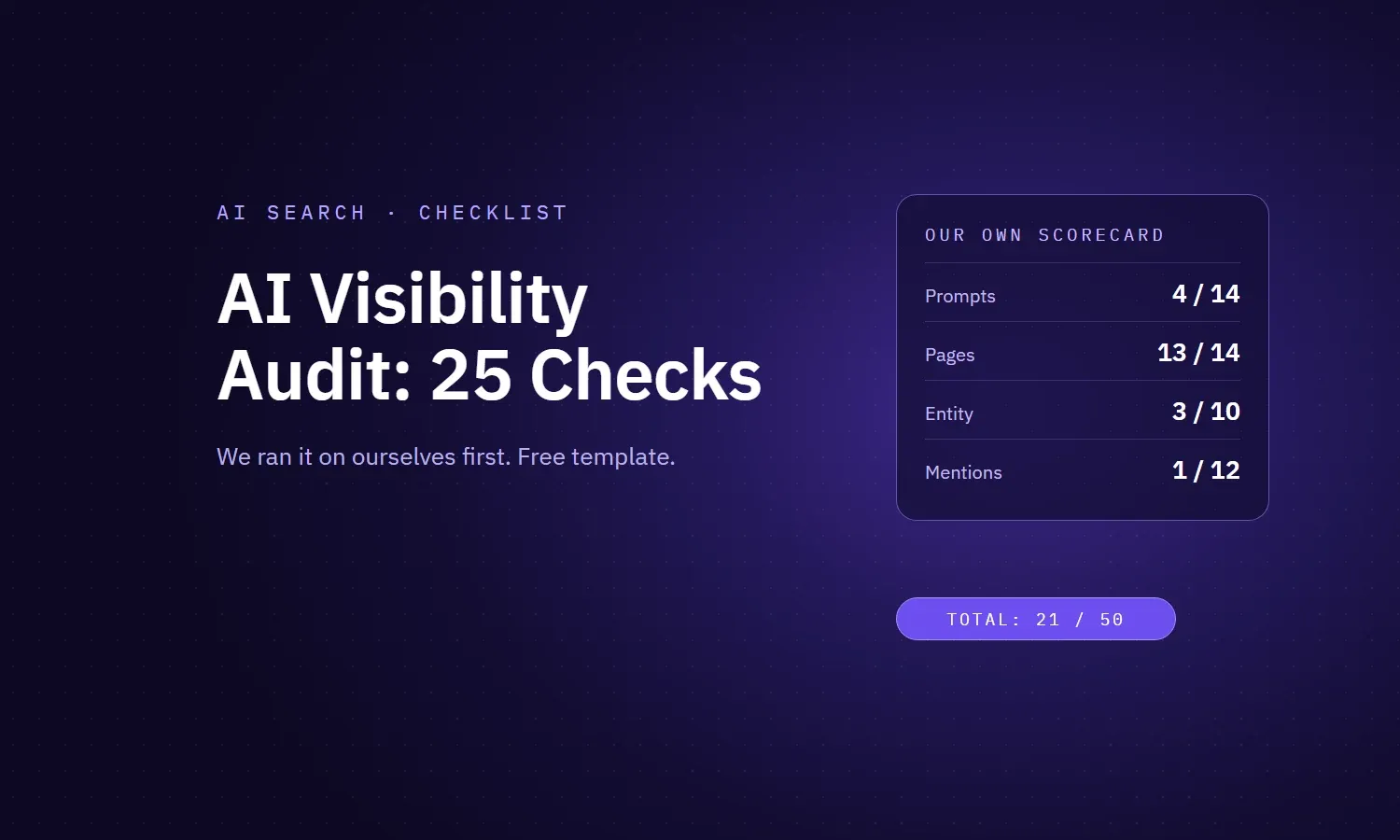
According to Ahrefs' AI tracking, ChatGPT cited our pages in 4 answers. Under Business Hub's definition, those are the mentions we'd see. Here's what they were about:
| Question ChatGPT answered | Our page it cited | Would it count as a mention? |
|---|---|---|
| Is Webflow worth it in 2026? | Webflow vs WordPress vs Framer | Yes |
| What is PR in social media? | What is public relations | Yes |
| A Finnish question: what should I build my website with? | Webflow vs WordPress vs Framer | Yes |
| A Czech question: what should I build a website in? | Webflow vs WordPress vs Framer | Yes |
Notice anything? Two of our four citations were in languages we don't market in. And none of them were buyers looking to hire someone. If we judged our AI visibility by that dashboard alone, we'd think a Webflow comparison page was our best asset.
Now look at what Business Hub would never show us.
When we ran eight hiring questions by hand in Google's AI Mode and Perplexity, things like "senior marketing agency with no long-term contract for a startup", Grovant wasn't named once. And when we asked Perplexity about Grovant by name, it gave buyers a list of reasons for caution, because our own directory profile contradicted our website.
None of that would show up as a mention. The recommendation gap and the reputation problem live outside the number.
That's the lesson for everyone claiming a profile this week. Business Hub measures your citations. It doesn't measure whether ChatGPT recommends you, and it can't fix what other sites say about you.
Business Hub vs Search Console vs Google Business Profile
The comparisons are everywhere, so here's how they actually line up.
| ChatGPT Business Hub | Google Search Console | Google Business Profile | |
|---|---|---|---|
| Main job | ChatGPT profile plus stats | Search performance | Local listing |
| Query data | No. Themes only (discovery topics) | Yes, actual queries | Some search terms |
| Clicks | Yes, 28-day total | By page and query, 16 months | Yes, website clicks and calls |
| Impressions | "Mentions" (site citations) | Yes | Profile views |
| Edit how you appear | Yes, after review | No | Yes |
| Verification | Phone, email, DNS or Shopify, plus an ID check | DNS, HTML file or tag | Postcard, phone or video |
| Changes your ranking? | No, per OpenAI | No | Indirectly |
So it's closer to Google Business Profile with a thin slice of Search Console bolted on. Useful, but not the full picture, which is why third-party trackers still have a job. We compared the main ones in our guide to the best AI visibility tools.
What to do in your first week
- Audit your facts before you claim. Write down your official name, location, founding year, services and contact details. Then check your website, LinkedIn, Clutch, G2 and any directory you're on. Fix mismatches first, because you can't unpublish a profile and ChatGPT reads those other sources anyway.
- Claim and verify with DNS. Then book time for the Persona check, since insights stay locked until it's approved.
- Write your profile description like an answer. One plain sentence on what you do, who for and where. That's the line ChatGPT is most likely to repeat. Keep it identical to your homepage and directory profiles.
- Screenshot your first discovery topics. Then compare them to the buying conversations you actually want to be in. For a SaaS brand that's "alternatives to X", "X vs Y" and "best tools for Z". For a service business it's "who should I hire for X". The gaps are your content plan.
- Separate ChatGPT clicks in your analytics. Create a segment for chatgpt.com referrals in GA4 and compare it with Business Hub's click count. Expect a gap: some ChatGPT visits arrive without a referrer and land in Direct, and OpenAI says its clicks don't confirm a visit. What matters is what lands and converts.
- Give your agency access properly. Use the agency access option in Business Hub with their own ChatGPT account. Don't forward a personal claim invitation, which OpenAI specifically warns against.
- Keep running your own prompt checks. Business Hub won't tell you when ChatGPT names a competitor instead of you. Run your 10 to 20 most important buying questions monthly and log who gets named. Our free audit template has a prompt log built in.
Should you set up a Business Agent?
If you're an eligible US ecommerce or online service business, it's worth testing. A Business Agent answers customer questions inside ChatGPT using your product and policy information and guidelines you write. Customers choose to chat with it.
Know the limits, though. Agents are built only from your own information and instructions, so you can't plug in an agent you built elsewhere. Right now it can explain products and policies and link to your site, but it can't complete purchases, make bookings or check orders. It has to be clear that it's an AI representing your business. And the Business Agents Policy bans pressure tactics, false urgency and asking for sensitive data.
There's also a paid angle. OpenAI lets businesses sponsor their Business Agent as the destination for ChatGPT ads, with sponsored placements labeled and kept separate from answers. So the free agent you build today is also the landing page for ads later.
Our advice? Preview it with the five questions your support team gets most, especially returns and pricing edge cases. If it answers one wrong, fix the source information before you publish. A wrong answer from your own agent is worse than no agent.
The bigger picture
Business Hub is a genuinely useful first step. You can correct your details, see where ChatGPT already uses you as a source, and spot which themes you're attached to. That's more than ChatGPT has ever told businesses.
But being cited and being recommended are different jobs. Clear, answer-first pages earn the citations Business Hub counts. Consistent facts, real reviews and other sites vouching for you earn the recommendations it doesn't. If you want the full method, start with our AI visibility audit and our guide to ChatGPT SEO.
Claim your profile this week. Then go fix everything around it. If you want help with either, our SEO team does this for clients every day.